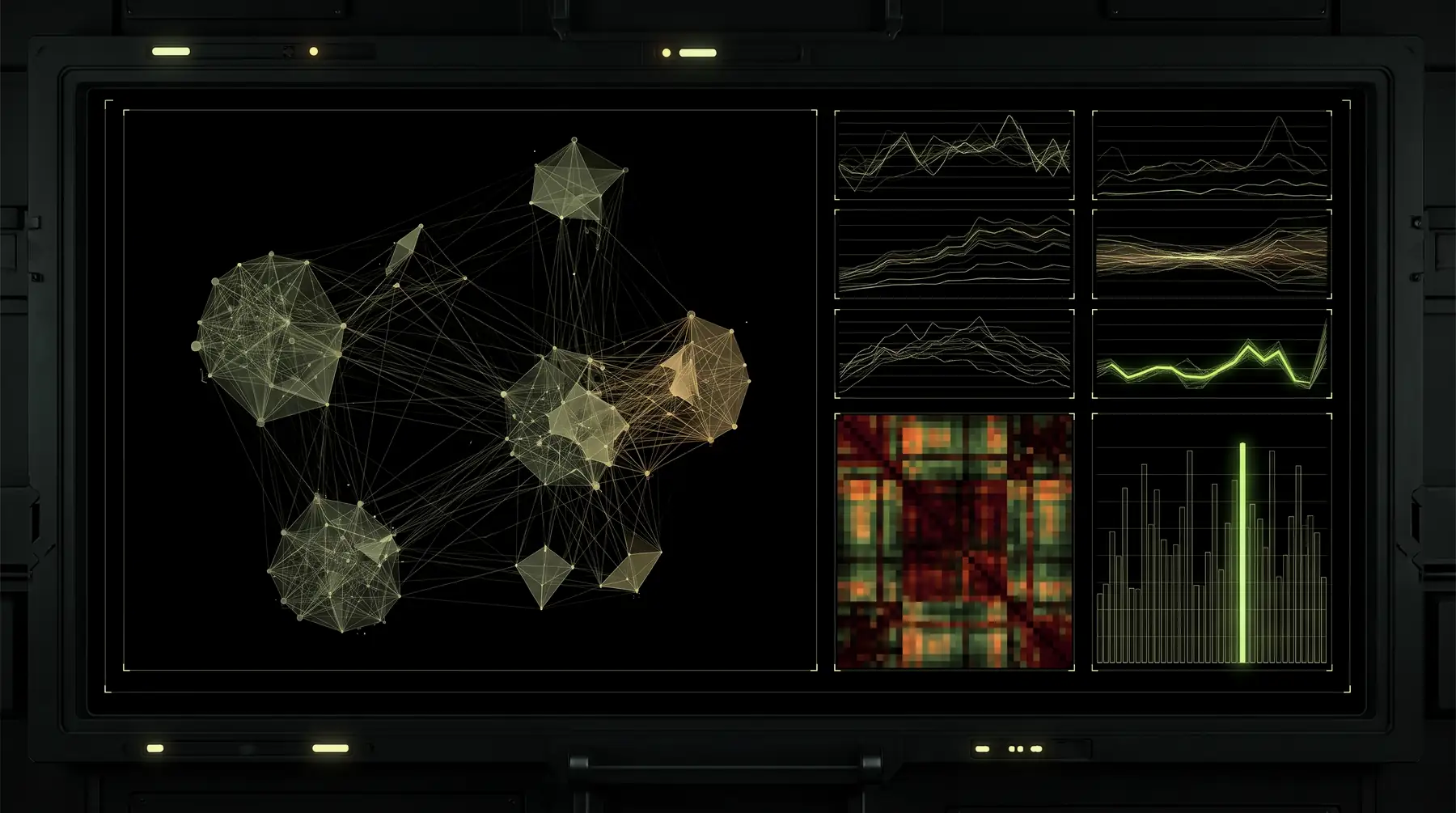
Tessera Viz
PX-02
Surface 01
Network views built to find answers, not just to look good.
Lay out a hundred nodes or a hundred thousand. Run 26 graph algorithms over them. Drive colour, size and visibility from the results — in the browser, with no server round trip.
01
What it is
10
Surface 01 · Graph
See every connection in your data — and what it means.
No layout is correct. A force layout says the data clusters; a hierarchy says it flows downward; a radial tree says one thing is the root. Picking one is a claim, which is why the table below starts from the question rather than from the name.
20
Layouts
26
Algorithms
3
Renderers
11
Adapters
02
See it
10
See it in action.
A mule network in 2D and a data platform in 3D, live — change the layout, or orbit it. Beside it, the 3D scene recorded for anyone who would rather watch than steer, and a second flat graph with its own controls.
Hover a node · drag to pan · scroll to zoom
Loading the demo…
Change the layout
Force, circular, concentric, grid
Switch to 3D
696 objects, orbiting
Click a node
Hold it and its links
Depth of field
On or off
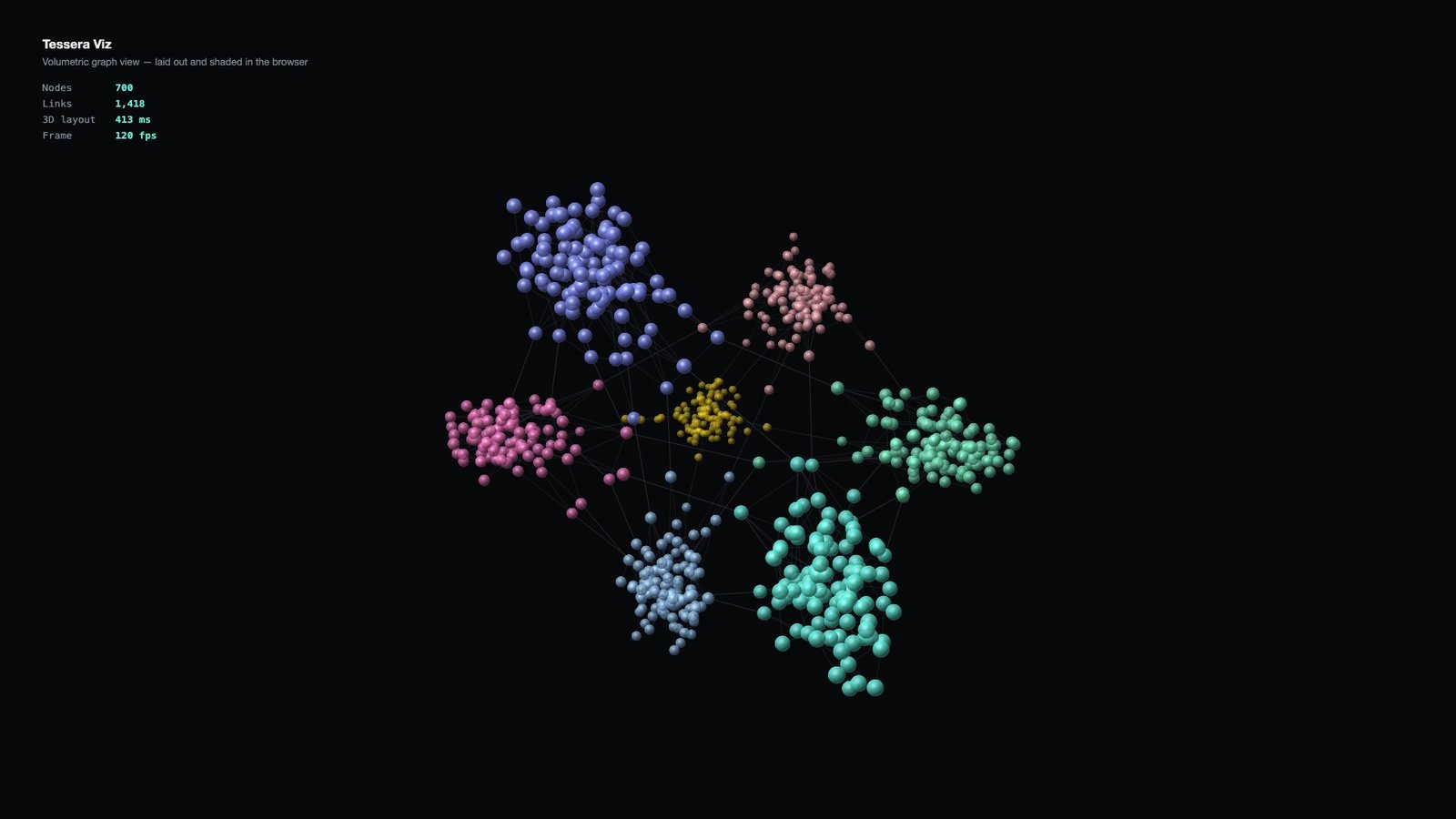
700
Nodes, in seven clusters
1,418
Links
~415 ms
Three-dimensional layout
~120 fps
While orbiting
Drag a node
And the layout gives way
Box-select
Or lasso a region
Change layout
One word, animated
Run an algorithm
Styling follows the answer
Two made-up graphs, drawn by the library in your browser: six rings of accounts, each tied to a shared device and a cash-out ATM, and a data platform of 696 objects across eight tools. In 3D the layout, the camera, the projection and the depth fade are the library's own.
03
Watch it think
10
26 algorithms, step by step.
Pick one. It plays step by step on its own example. Pause it, step it, or drag the bar to any point.
Loading…
Loading the demo…
04
Pro
10
Diagrams from Tessera Viz Pro.
Orthogonal edge routing, a graph diff and a series-parallel layout — Pro results, drawn by the free viewers.
Note
The Pro results here were computed ahead of time by Tessera Viz Pro and are drawn by the free viewers. This page carries only the results — the paid code is not in it. Talk to us for a live trial.
Orthogonal edge routing · the same system diagram
ProStraight · Free
Loading the demo…
Routed · Pro
Loading the demo…
Graph diff · ownership, last quarter vs this
ProLoading the demo…
Series-parallel layout · payment approval
ProLoading the demo…
05
Find yours
10
Find the right view for your data.
Start from the question, not the layout name.
What you are trying to show | Layout | What it does |
|---|---|---|
Natural clustering | force | Related nodes pull together. |
A flow or a process | sequential | Left to right, one level per step. |
A hierarchy | hierarchical · sugiyama | Parents above children, crossings minimised. |
A tree radiating out | radialTree · dendrogram | Root at the centre, or at the left. |
The shape of an unknown network | structural | Groups nodes by the role they play in the topology. |
Detail without losing context | lens | Magnifies a focus, compresses the rest. |
An update, without losing your place | tweak | Re-runs while keeping existing positions stable. |
Everything at once, tidily | grid · circular · concentric | Deterministic, no overlap. |
A biological pathway | metabolicPathway | Built for that idiom. |
A family tree | kinshipTree | Generations and unions. |
Dense clusters, fast | fcose · cola | Constraint-based. |
Depth as information | force3d · sphere · layeredZ | Three dimensions. |
← Swipe for the rest of the table →
← Drag for the rest of the table →
06
What it draws
10
Real output, not mock-ups.
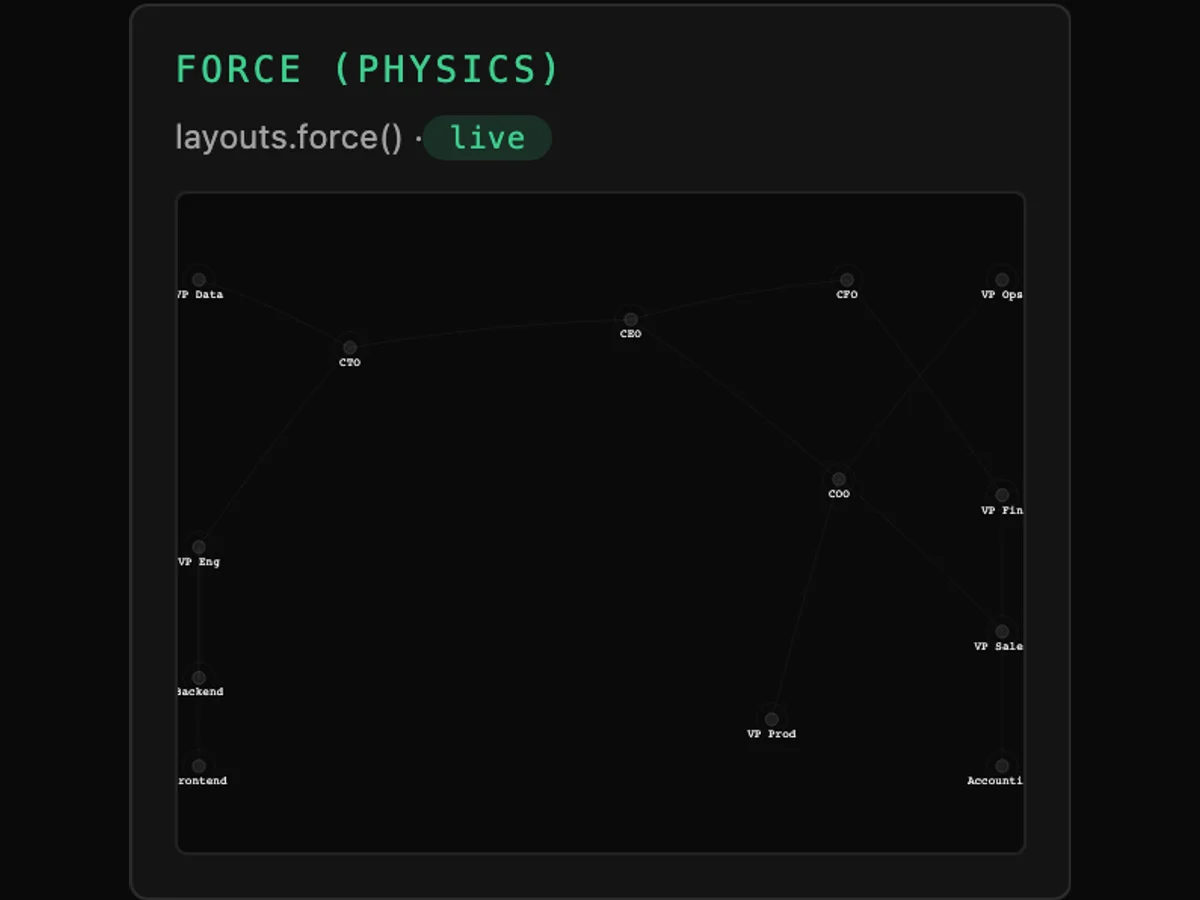
force
Physics
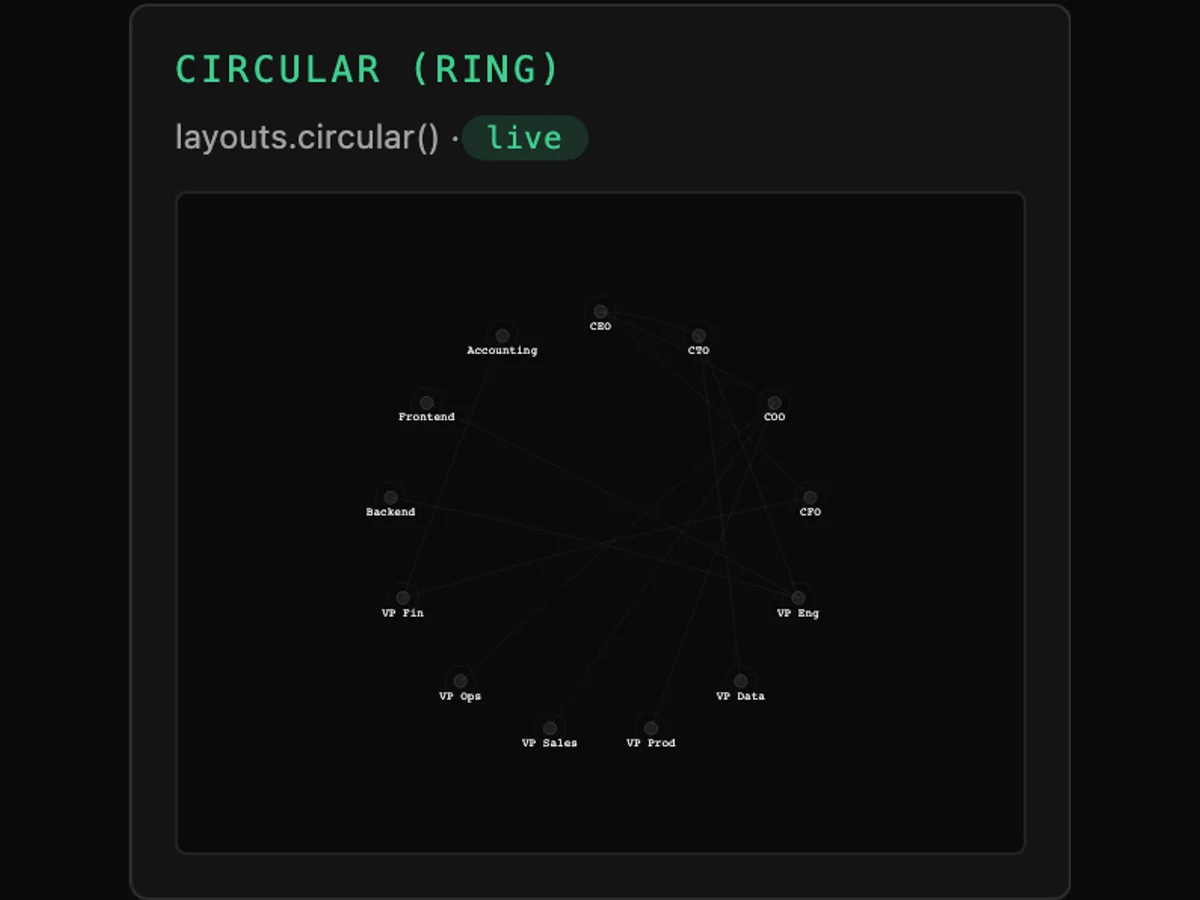
circular
Deterministic
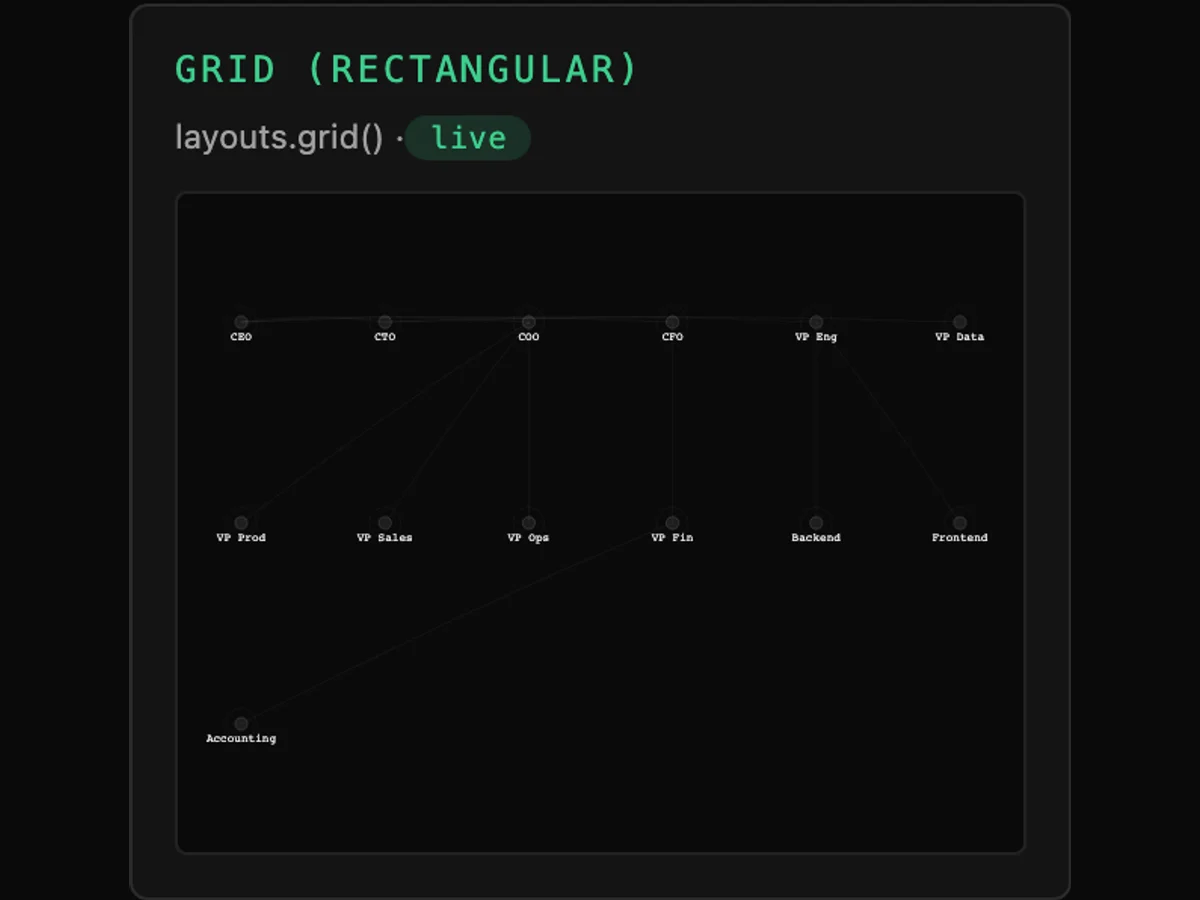
grid
Deterministic
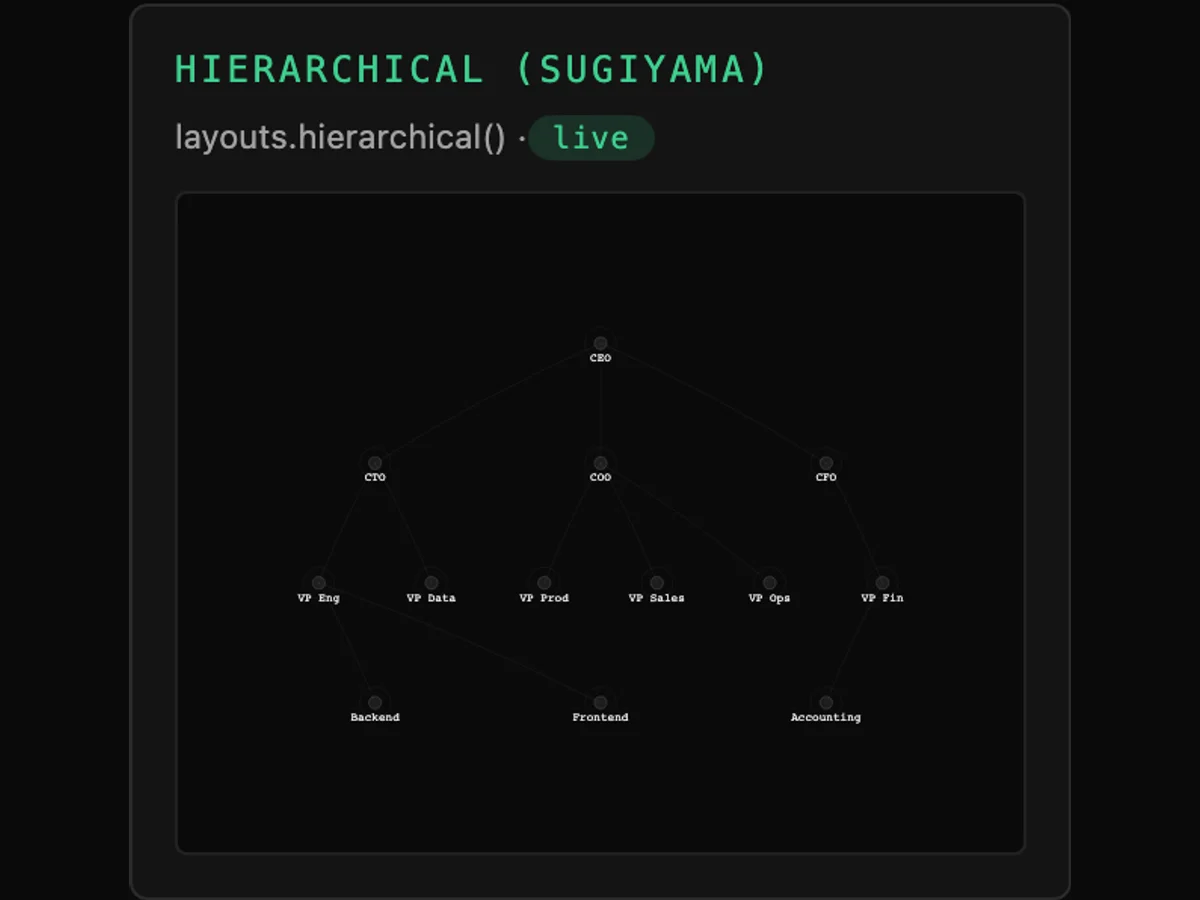
sugiyama
Hierarchy
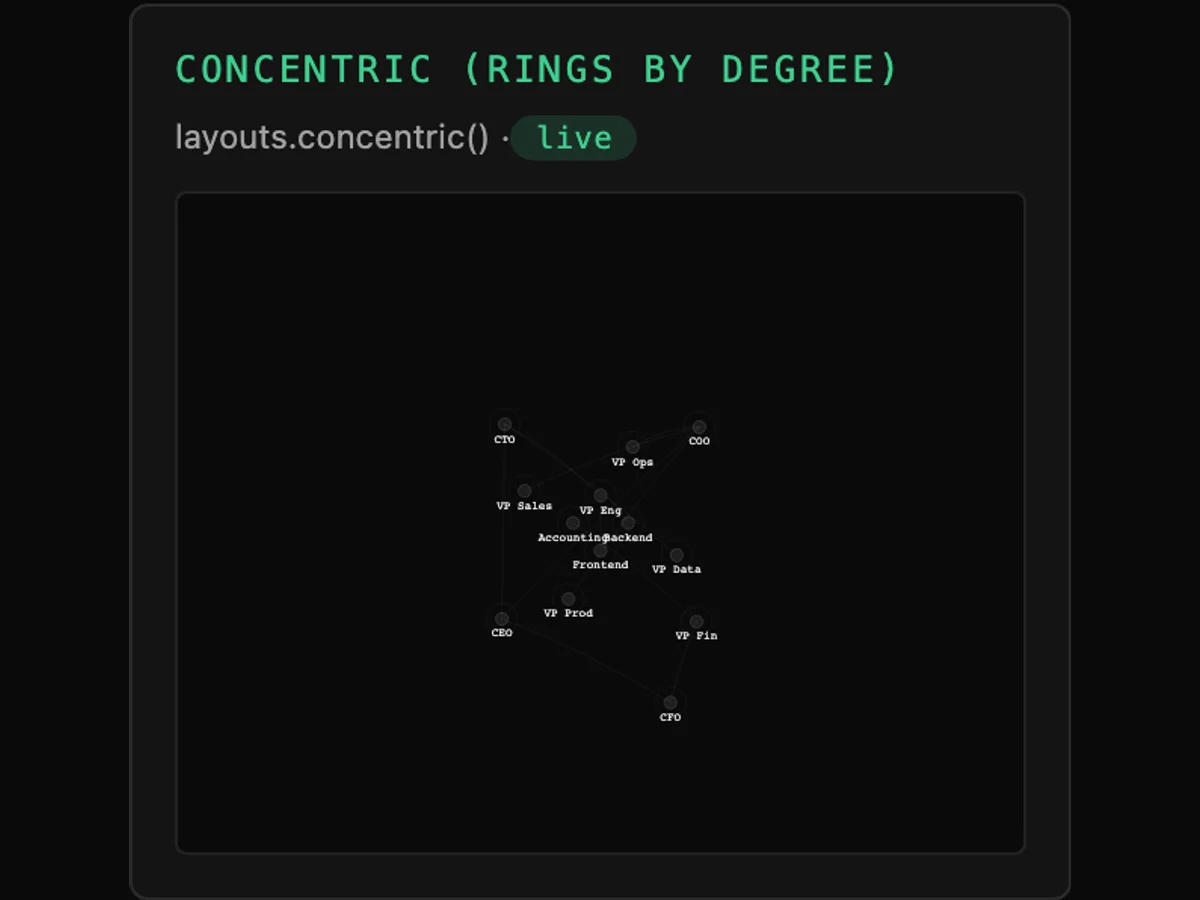
concentric
Deterministic, by degree
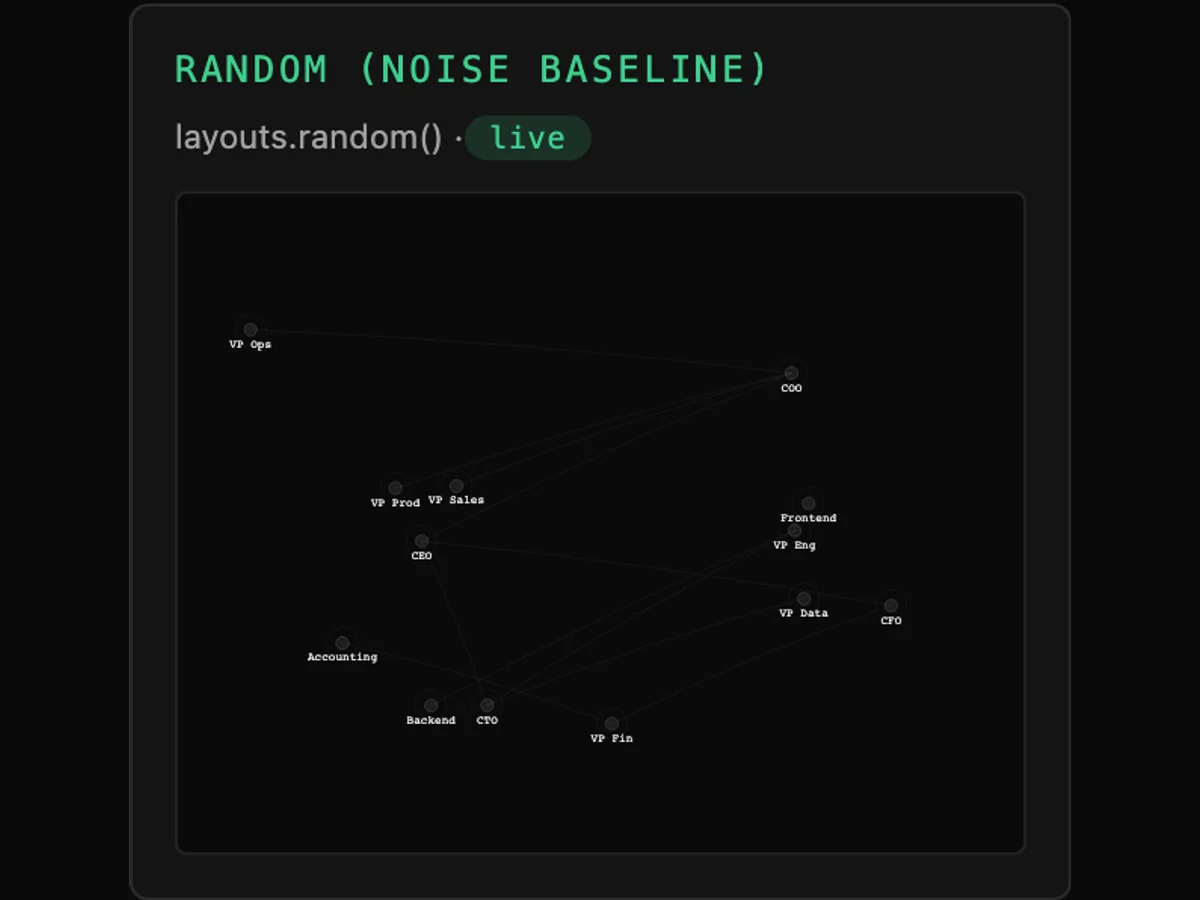
random
The baseline
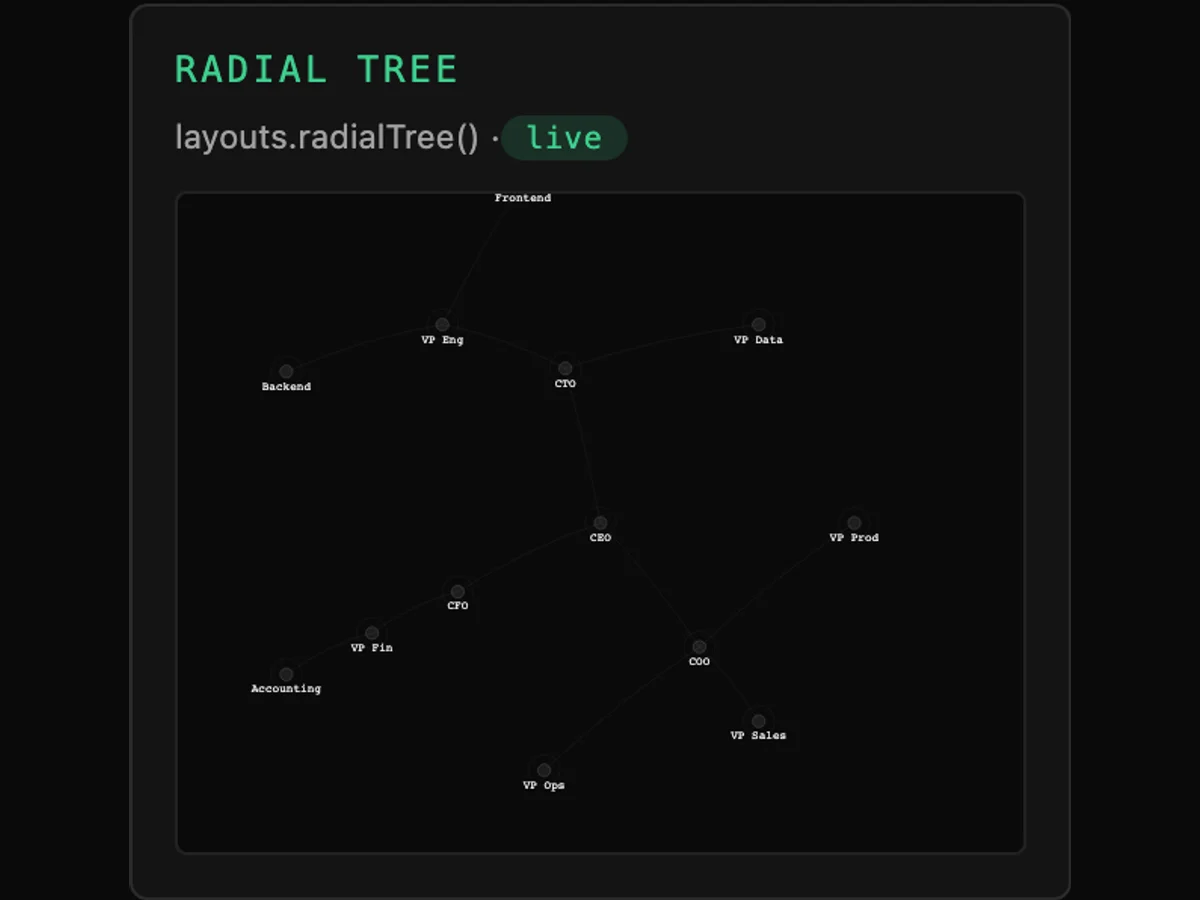
radialTree
Trees
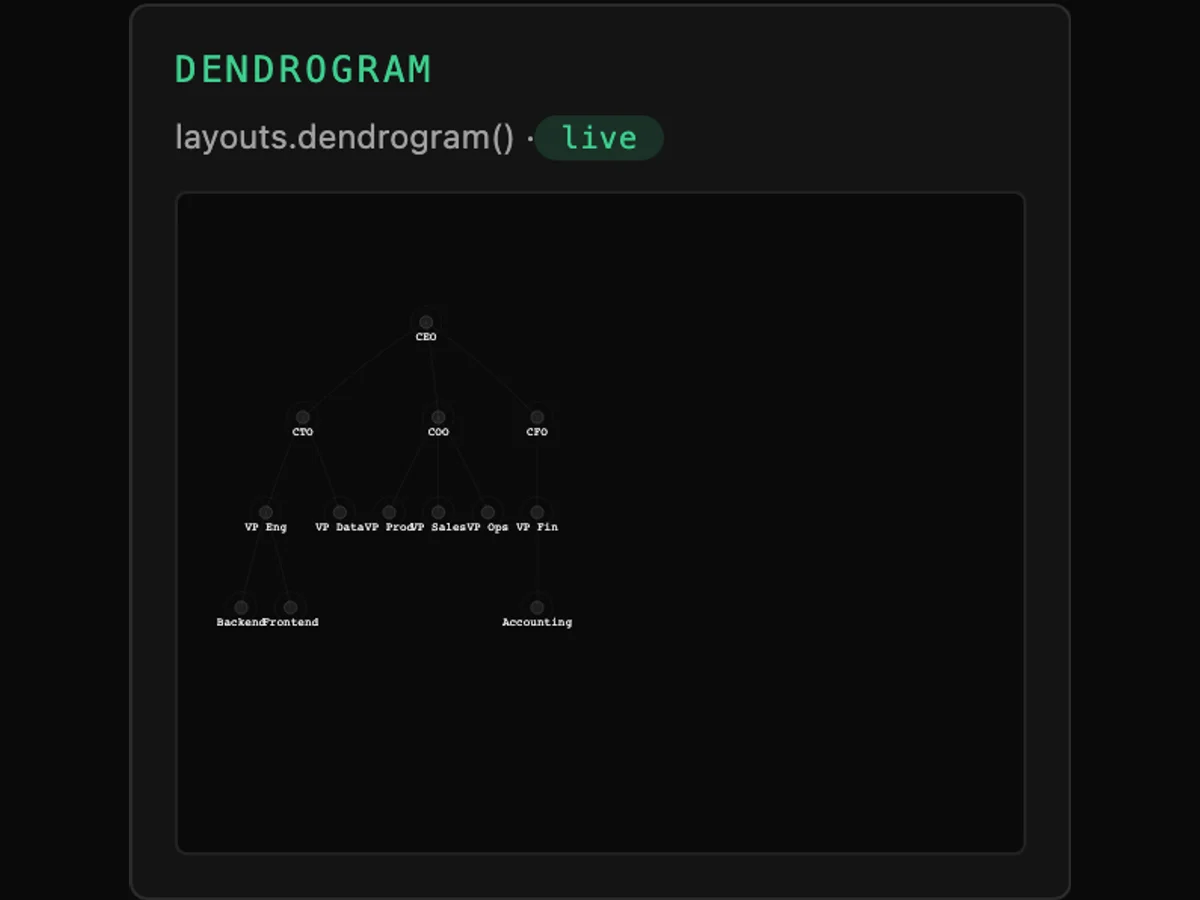
dendrogram
Trees
One dataset, eight layouts, no other change. The random baseline is included on purpose — it is what the other seven are an improvement on, and a layout that cannot beat noise is not earning its tick.
07
Where it holds
10
Fine-tune the layout with three settings.
Option | Default | What it does |
|---|---|---|
strength | −30 | Node repulsion. More negative pushes the graph apart. |
distance | 60 | The rest length of a link, in pixels. |
theta | 0.9 | The Barnes–Hut accuracy dial. Lower is more exact and slower; higher approximates sooner and is faster. |
← Swipe for the rest of the table →
← Drag for the rest of the table →
08
10
From a hundred to a hundred thousand.
Nodes | Renderer | What you get |
|---|---|---|
Under 2,000 | SVG | A DOM element per node — CSS, the inspector and screen readers. |
2,000 – 20,000 | Canvas | One element. Full styling, 60fps interaction. |
20,000 – 100,000+ | WebGL | GPU-drawn, with the same geometry and styling. |
← Swipe for the rest of the table →
← Drag for the rest of the table →
09
Where it stops
10
What it won't do yet.
01
Orthogonal link routing
In Pro, not in the free edition.
02
GPU force layout
Enterprise. The free force layout is CPU, Barnes–Hut accelerated.
03
Above ~250,000 nodes
Aggregate before rendering. We provide the clustering to do it; we do not pretend the screen has a million useful pixels.
10
Where next
10