Tessera Viz
PX-02
Surface 03
See what happened, and when — at any level of detail.
Pan from a century to a microsecond in one continuous gesture. Events, series and aggregates on the same axis, linked to your graph and your map.
01
What it is
07
Surface 03 · Timeline
Zoom from years to seconds without losing your place.
A reader does not know which resolution they need until they are looking at it, so there is nothing to choose in advance: zooming moves continuously between aggregated bands and the individual events inside them, and the transition is animated rather than a redraw. Events and series share the axis, one track per entity, and a playback cursor steps every linked view forward together.
8
Aggregation steps
1
Track per entity
4
Views following the brush
02
See it
07
Try it yourself.
Zoom, and the detail level follows. Brush a range and watch what it filters — here, a map linked to the same timeline.
Loading the demo…
Loading the demo…
Impossible travel
Card C · Bengaluru → Chennai
290 km in 10 min
≈ 1,741 km/h · 28 Sept, 10:00 am → 28 Sept, 10:10 am
Time window
The whole case
Selected
Nothing yet — click a marker or a timeline event
A made-up case: real city positions, invented accounts, amounts and times. The world map is built in — no tile server.
Hover an event
Its details
Click it
Find it on the map
Shift-drag
Pick a time window
Zoom
Detail level follows
Brush a range
Watch what it filters
Play it
A cursor steps through
A made-up fraud case: invented accounts, amounts and times over real city positions. The timeline and the map share one selection and one time window, so a window picked on the timeline is the window the map shows.
03
Find yours
07
Turn thousands of events into a clear story.
Summarise by the second, the day or the year.
8 STEPS
Steps
The band a zoomed-out view collapses into.
second
minute
hour
day
week
month
quarter
year
Reducers
What a band is worth once it has collapsed.
count
sum
mean
your own
On the axis
Both at once, sharing a scale.
discrete events
continuous measures
aggregate bands
Zooming does not re-fetch and it does not jump: the transition between an aggregated band and the individual events inside it is animated, which is what stops the reader losing their place.
04
What it draws
07
Four ways to show change over time.
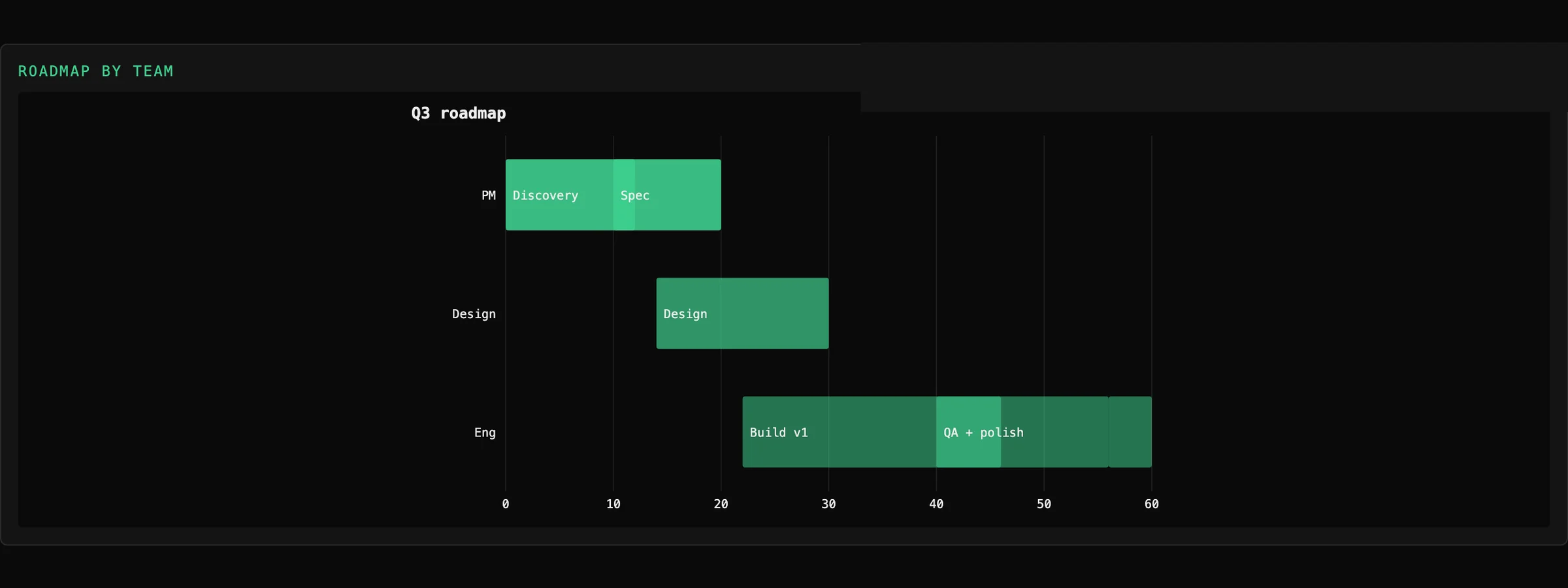
Gantt with lanes
One track per entity
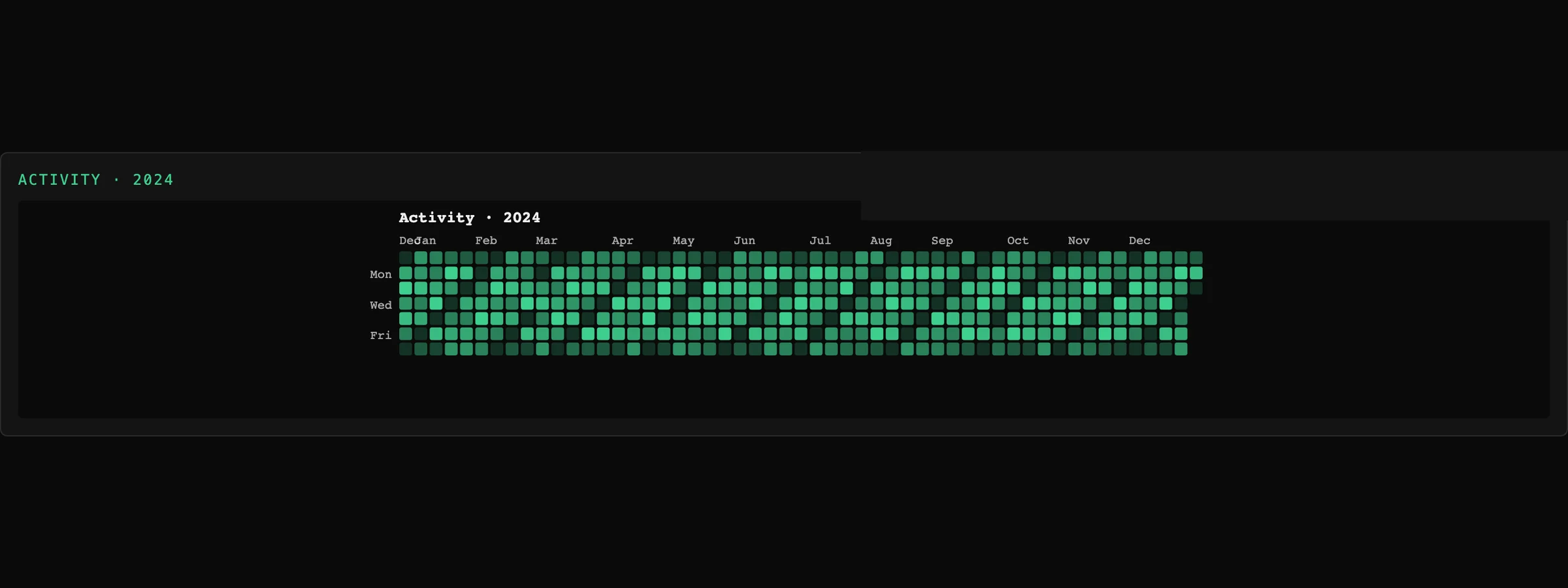
Calendar heatmap
A year at day resolution
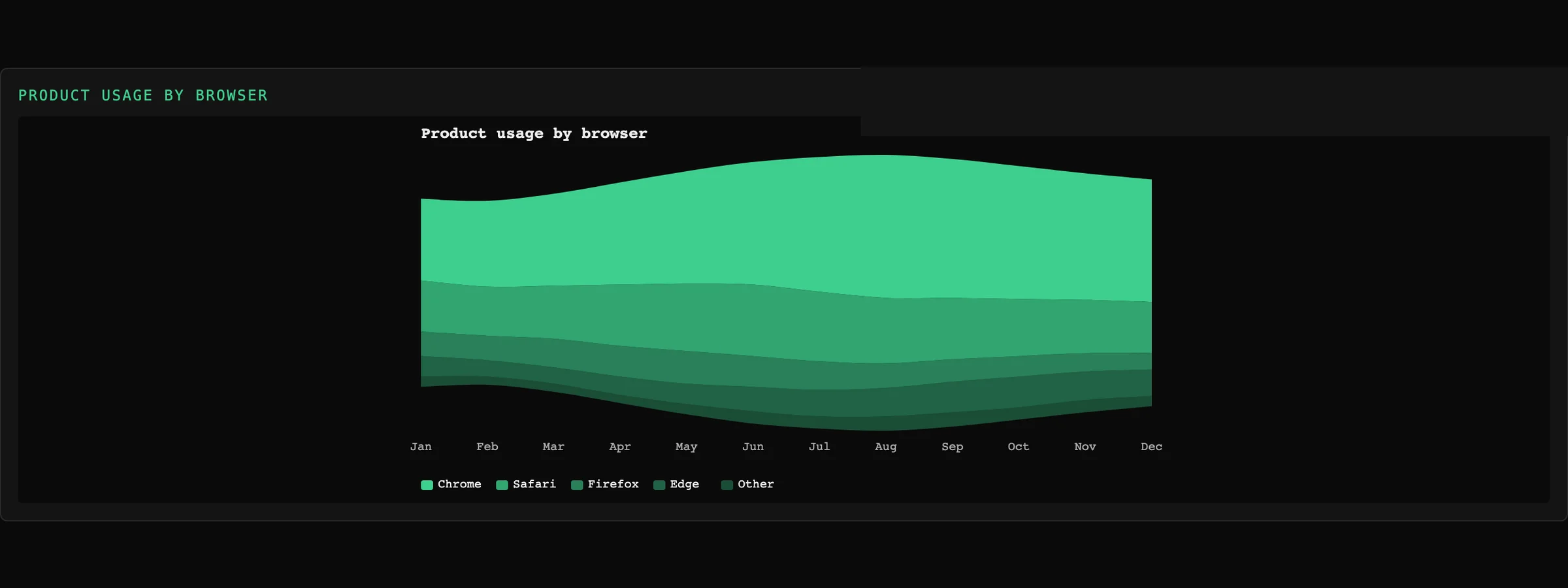
Stream graph
Category over time
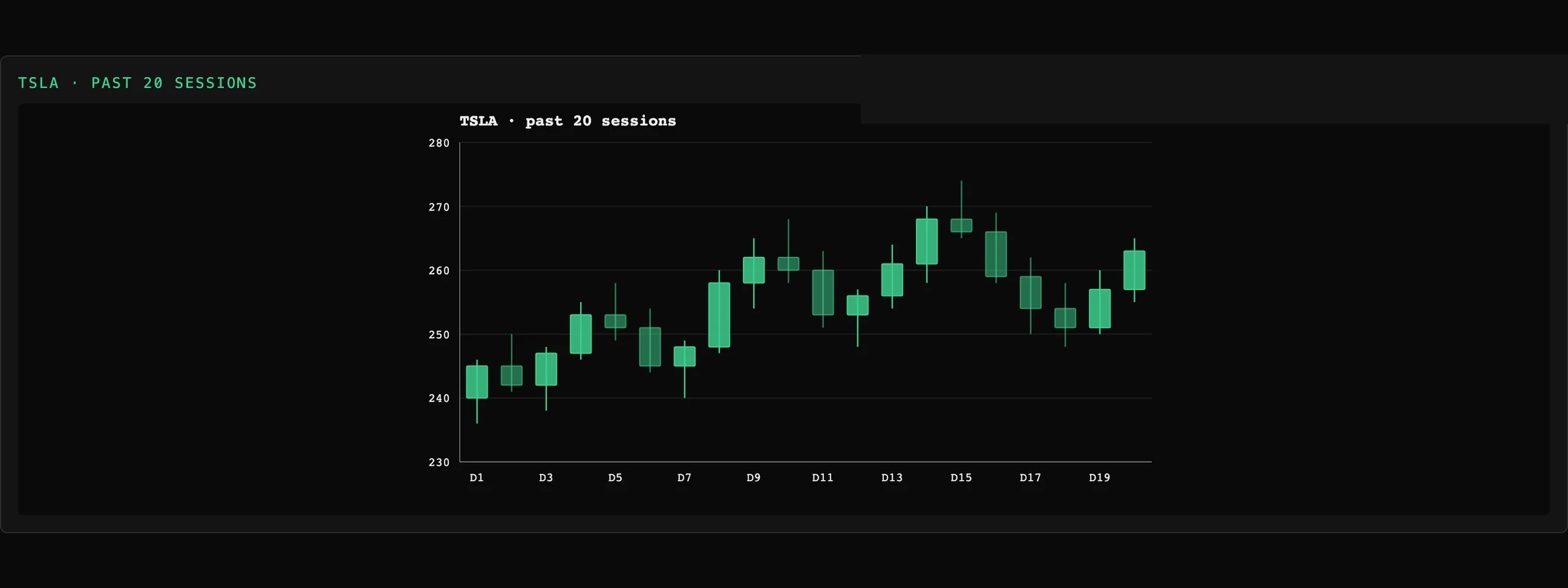
Candlestick
OHLC series
The timeline shares its axis and its theme with the time-based charts, so a dashboard that has both does not have two different opinions about what a week looks like.
05
With the other four
07
The part that matters
Pick a date range — every other view follows.
Brush a range and the graph shows only what was active in it, the map shows only what moved, and the grid shows only the rows inside it. Not because four components are being kept in step, but because there is one selection and four views of it.
06
Where it stops
07
What it won't do yet.
01
Not a time-series database
Aggregation happens over data you have loaded. Millions of raw points belong in a query, not a browser.
02
No forecasting or anomaly detection
Those belong upstream.
07
Where next
07